Otonota for iPhone
The meeting, written down in the palm of your hand. Nothing leaves the device.
The same Otonota as on the Mac, now on iPhone. Set it on the table and press record: what's said becomes text, and the text becomes a summary.Transcription and summaries happen on the iPhone, and neither audio nor text leaves it.

The iPhone and iPad version installs on an iPhone or iPad that supports Apple Intelligence. Open this page on that device.Copied
Chapter ISet it down. Press record.
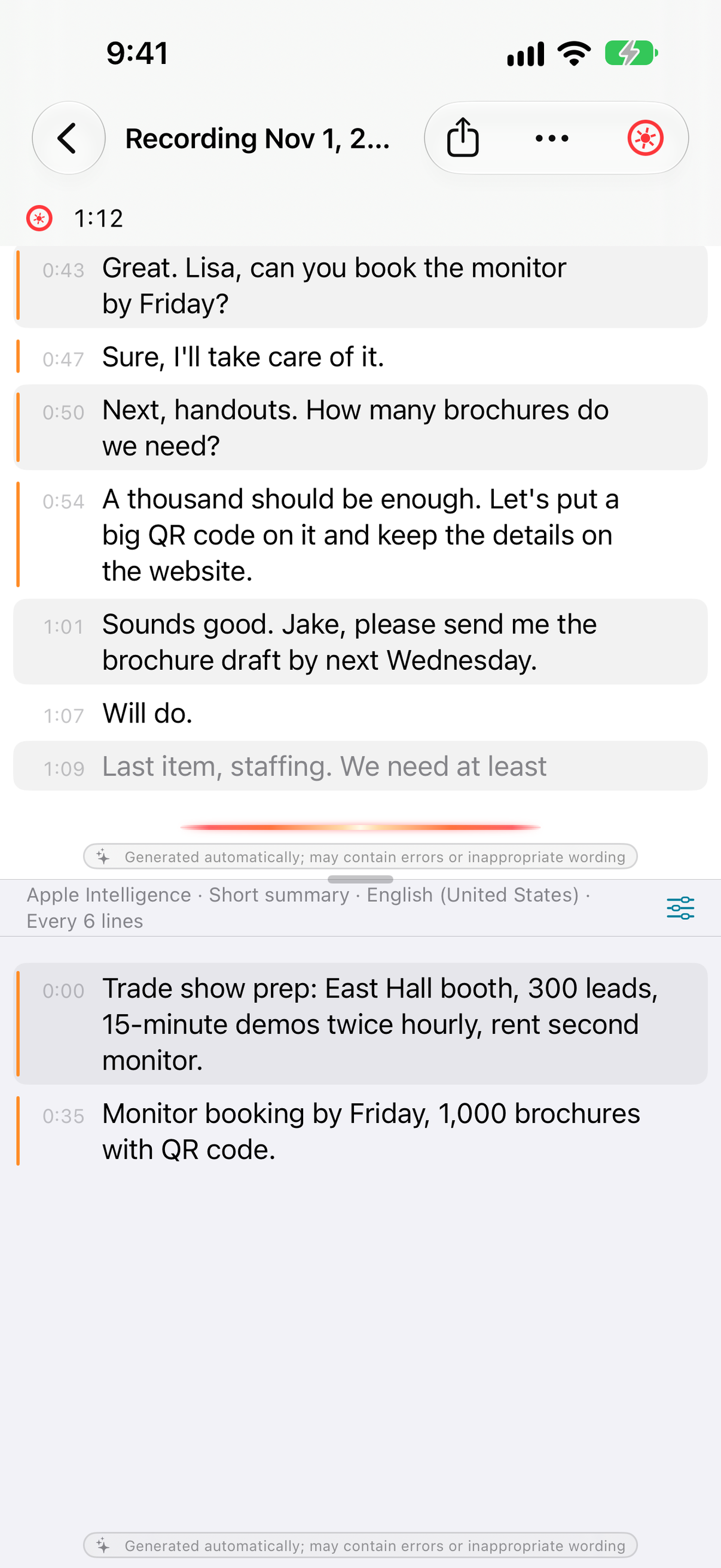
Hold it upright and the transcript sits above the summary; turn it sideways and they sit side by side. There's nothing to set up.
As the microphone records, finished lines pile up with timestamps and the summary below them updates every few lines. Drag the divider to give either side more room; double-tap it to put it back in the middle. Sideways, the status bar steps aside and the toolbar folds into a single row along the top, so the text gets the full width.
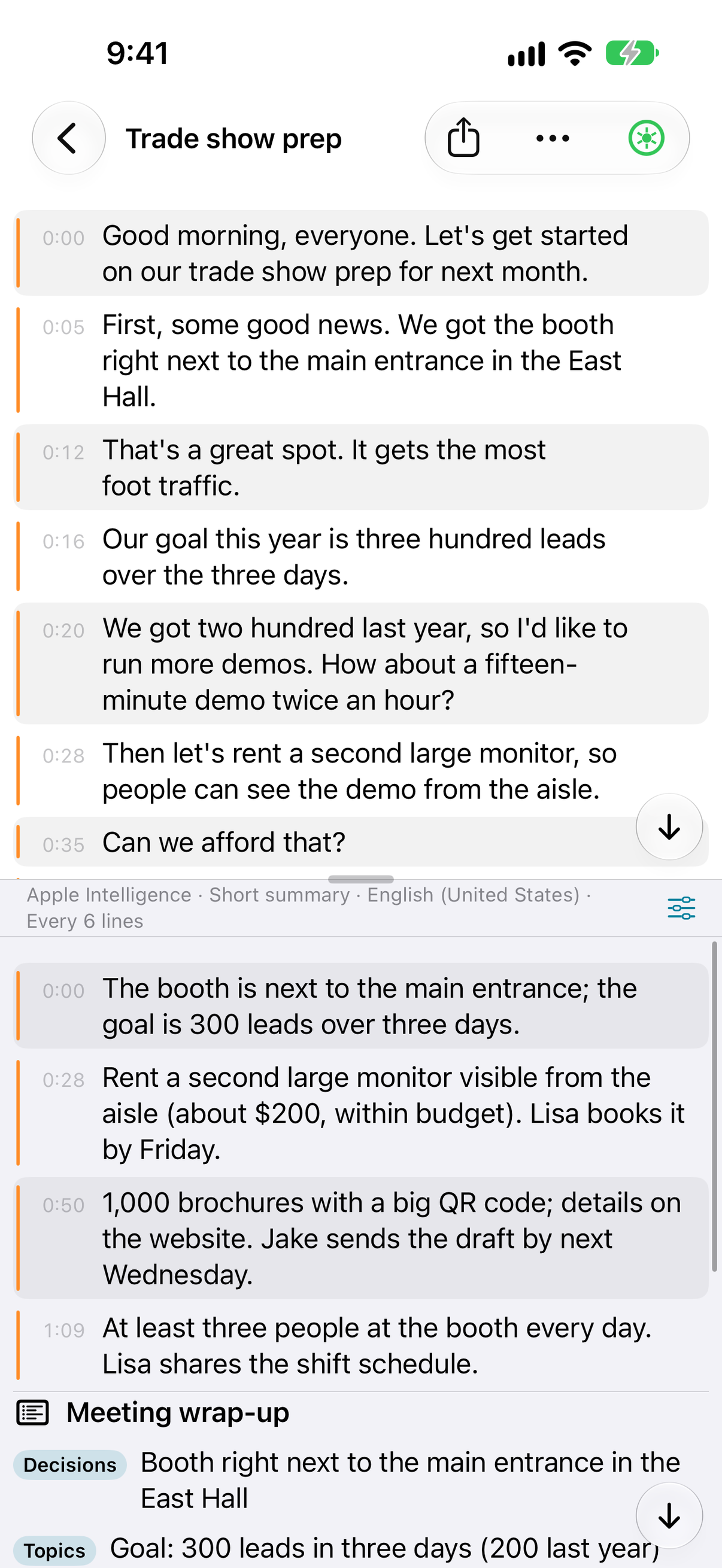
The summary updates every few lines in one of four modes — a short summary, a conversational summary, keywords, or a translation — in the output language you choose, and you can change both mid-recording. Follow a meeting held in Japanese through an English summary, for example. Add product names and people's names to the glossary in Settings and they improve both the transcript and the summary.
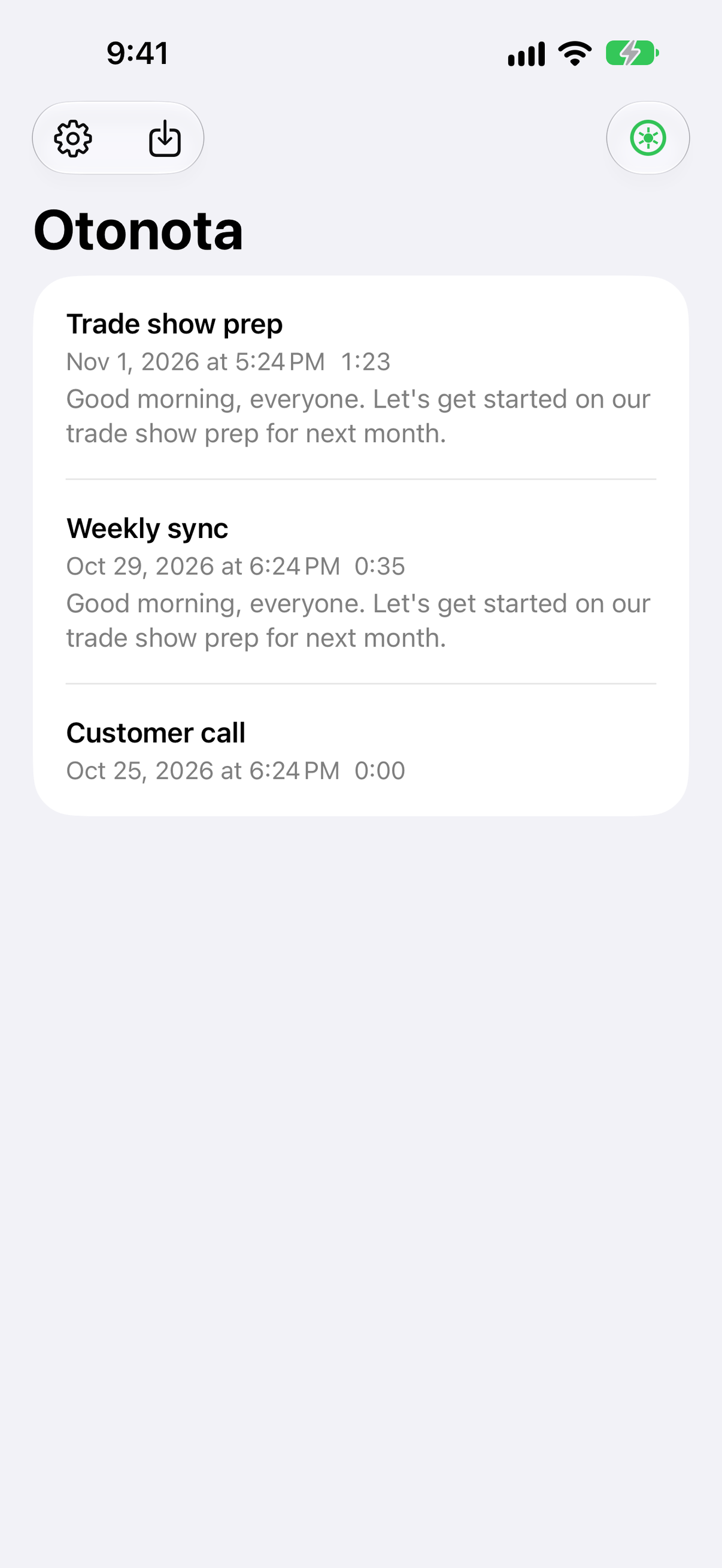
The screen stays awake while you record. Lock it or switch to another app and recording and transcription carry on; the summary catches up when you come back to Otonota. Sessions stay on your iPhone, and you can share or export the transcript and summary text as Markdown.
Chapter IIFor the meetings too small to book a room.
The conversations nobody books a room for are the ones that go unrecorded.
One-on-ones, interviews, lectures, a quick catch-up in the hallway. Take the iPhone out of your pocket, set it on the table, and press record. When it's over, read back the summary and share the text as Markdown — the first draft of the minutes is already there.
Lock the screen and put the phone back in your pocket mid-recording, and the recording and transcript carry on. Pick an output language for the summary — English notes from a meeting held in Japanese, say — and it works for conversations across languages, too.
Chapter IIIThe audio never leaves the device.
Apple's speech recognition writes the transcript; Apple Intelligence writes the summary. Both run on your iPhone.
Otonota for iPhone and iPad has no cloud speech recognition or cloud language models at all — not even as an option. Transcription runs on Apple Intelligence speech recognition, or on standard speech recognition limited to the languages the device can recognize on its own. The WhisperKit and MLX models you can add with Pro run on the device too. That makes it usable for confidential negotiations, interviews, clinical or legal consultations, and on a plane.
Chapter IVWith Pro, past the end of the meeting.
A wrap-up of the whole meeting, importing recordings, and larger on-device models. Pro
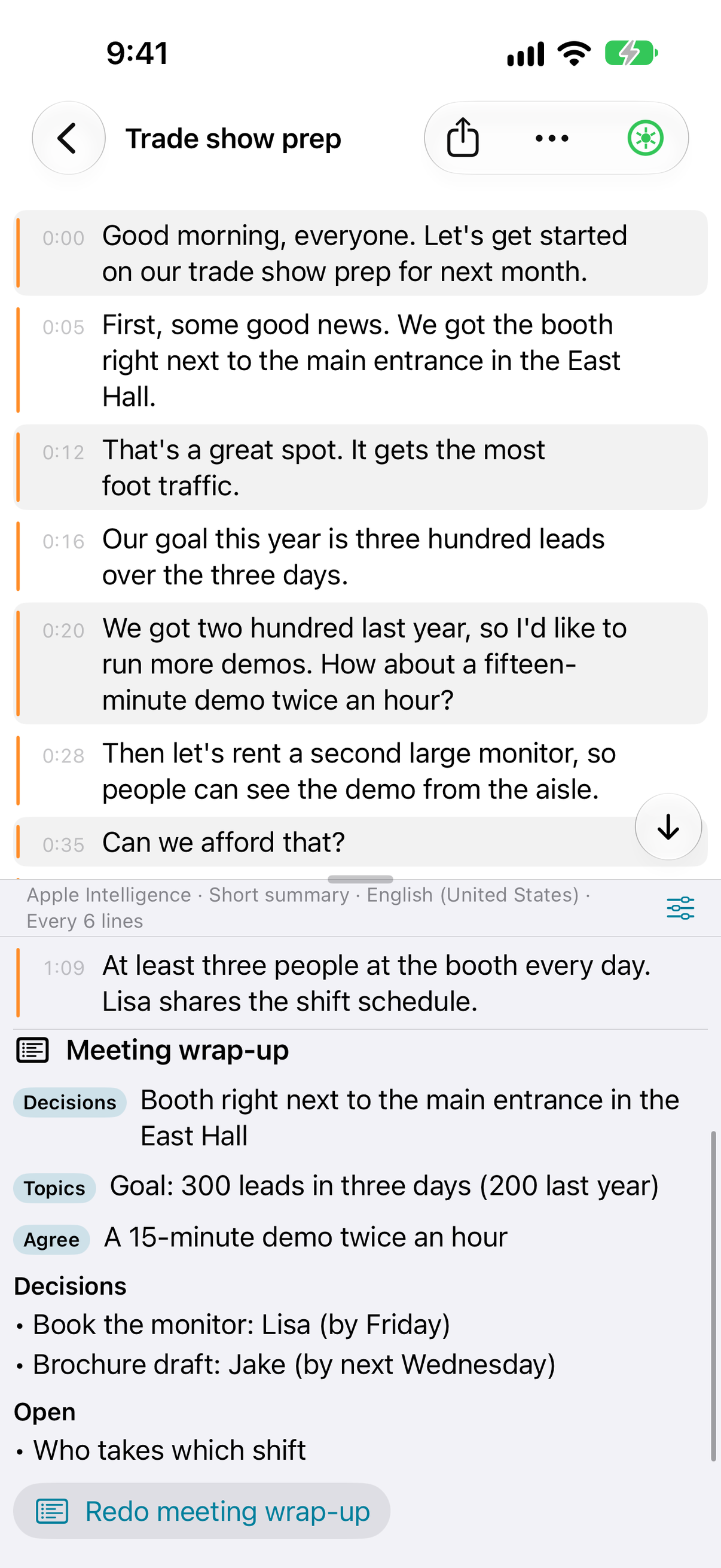
The wrap-up sorts a finished meeting into topics, decisions, and open items. Long meetings are wrapped up in sections first, then combined.
Import runs voice memos, videos, and other files through the same transcription and summaries as a live recording. Imports and re-transcriptions can also separate speakers, labeling each line "Speaker 1", "Speaker 2", and so on — processed on the device.
External on-device models: download WhisperKit for transcription and MLX models for summaries. They run on the device too.
In the US, Pro for iPhone and iPad only is US$14.99, and Pro for Mac, iPhone and iPad is US$49.99. Both are one-time purchases, not subscriptions. If you later want Pro on your Mac too, you can upgrade for the difference.
Prices on this page are for reference. App Store prices can change before this page is updated; the price shown in the app and on the App Store when you buy is the one that applies.
Chapter VWhich devices, and what it records.
iOS 27 / iPadOS 27 or later, on an iPhone or iPad that supports Apple Intelligence — the foldable iPhone Duo included. Apple Intelligence writes the summaries, so Otonota isn't available on models without it.
iPhone, iPad and iPhone Duo run the same app; the layout follows the size and orientation of the screen.
It records the microphone only: iPhone and iPad don't let one app record another app's audio, such as a video call. If you want the other side of an online meeting in the transcript too, the Mac version, which can record system audio, is the better fit.
Get itFree, on the App Store.
Otonota is free on the App Store, with no account to create. Pro is available from the Pro section in the app's settings. If you've already bought Pro on your Mac, your iPhone and iPad signed in with the same Apple Account have Pro too.
The iPhone and iPad version installs on an iPhone or iPad that supports Apple Intelligence. Open this page on that device.Copied
iOS 27 / iPadOS 27 or later · iPhone and iPad with Apple Intelligence (iPhone Duo included)
Otonota for MacOtonota for iPadOtonota for iPhone DuoQuestions and answers